


Material Group is one of the most used classification fields in SAP Materials Management, yet it is consistently under configured at the start of an implementation. Getting it right early prevents procurement reporting gaps and analytics rework post go-live.
What Is a Material Group?
A Material Group is a key used to group materials and services with similar characteristics. It appears on the material master (Basic Data view), purchase orders, purchase requisitions, and service entry sheets. It is used for spend category reporting in purchasing analytics, account determination when no material master exists (expense procurement), and for statistical evaluations and vendor performance grouping.
IMG Configuration Path (DEV System)
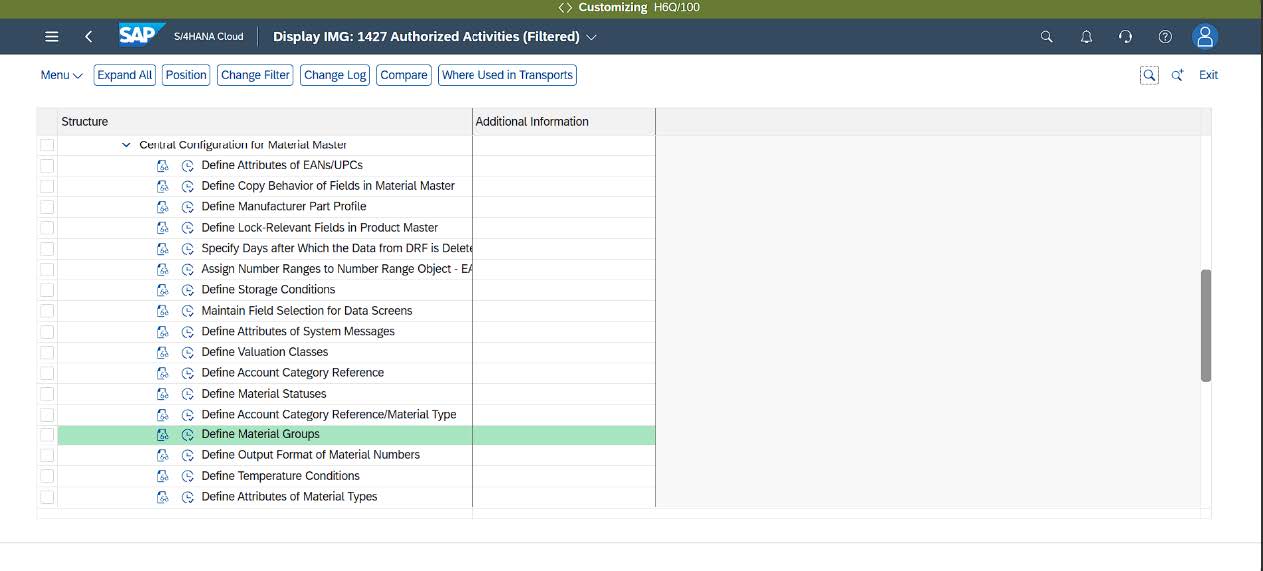
IMG → Central Configuration for Material Master → Define Material Groups
- Open IMG.
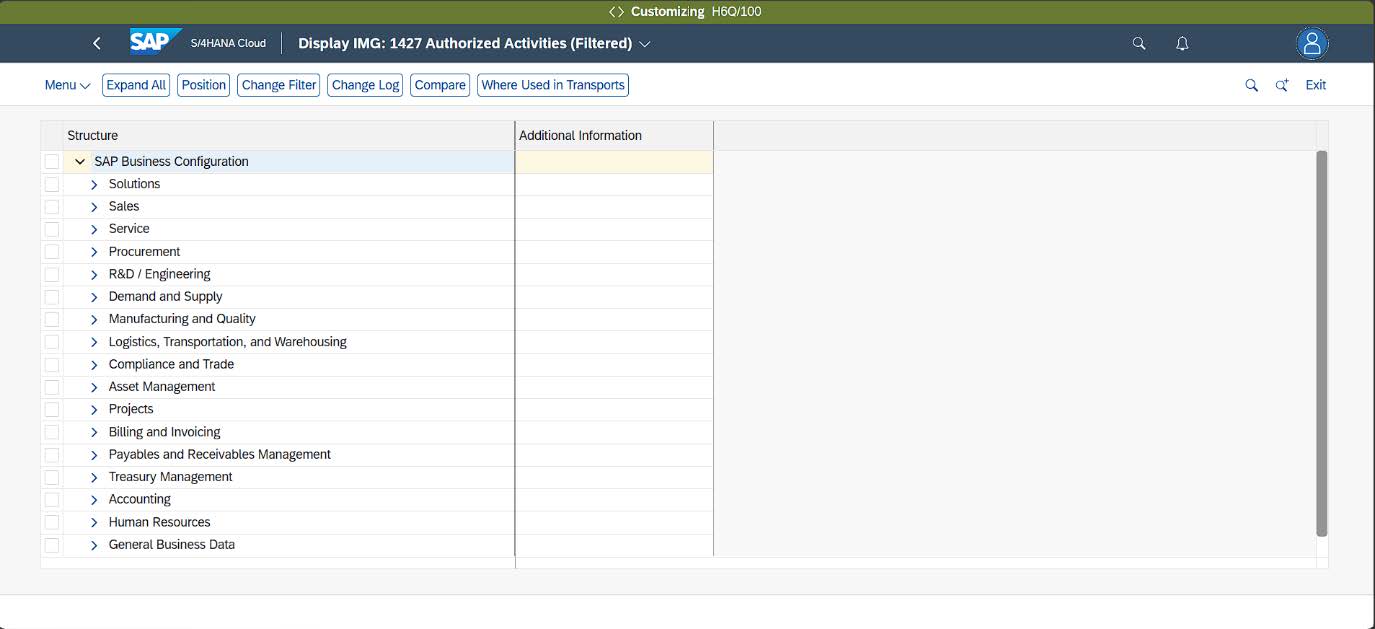
- Search for Define Material Groups, then click the clock icon beside the configuration activity to open the existing entries.
- The system will display all existing material groups. Click Edit to enable maintenance.
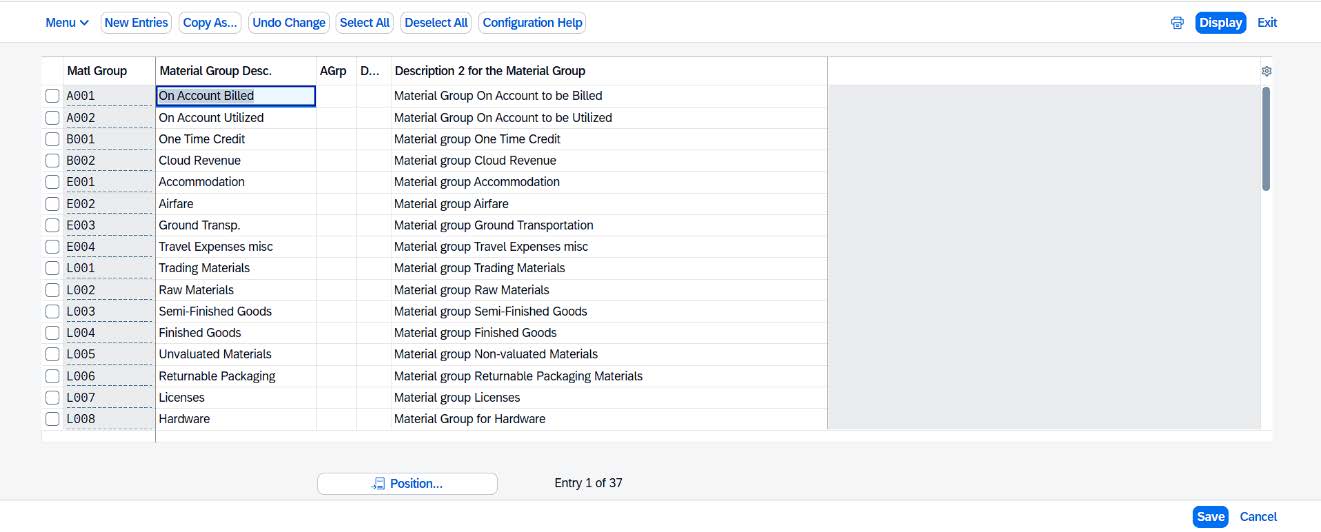
- To create a new material group, click New Entries.
Alternatively, you may use the Copy function to duplicate an existing material group and modify the required values.
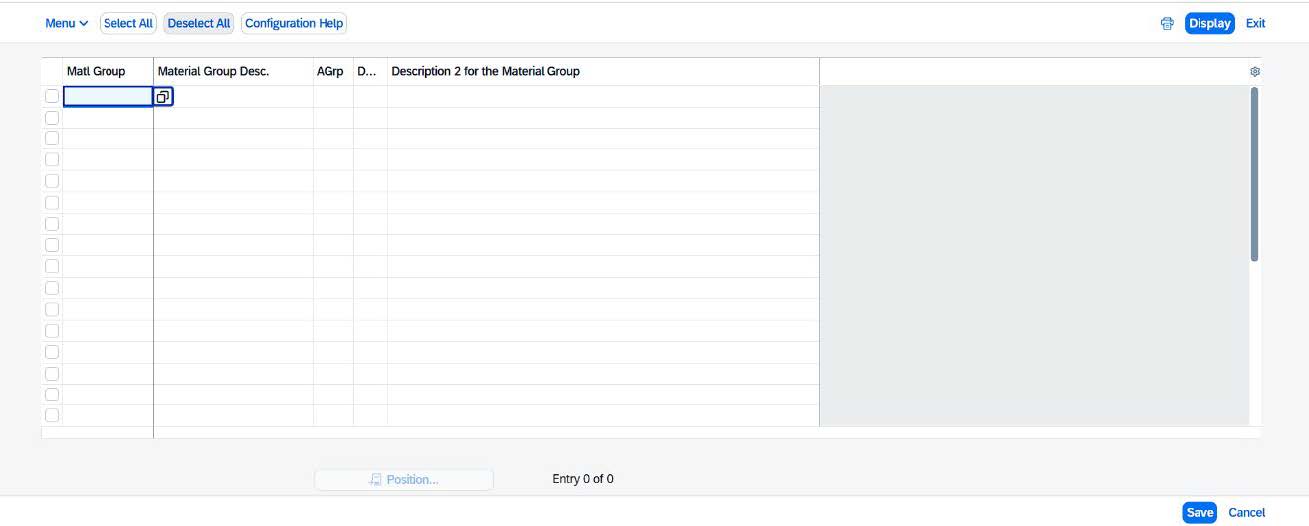
- Enter the required details for the new material group.
Note: The Material Group code must be unique and must not duplicate an existing code. It is recommended to follow a consistent naming convention.
For example:
RM001 for Raw Materials
S001 for Services
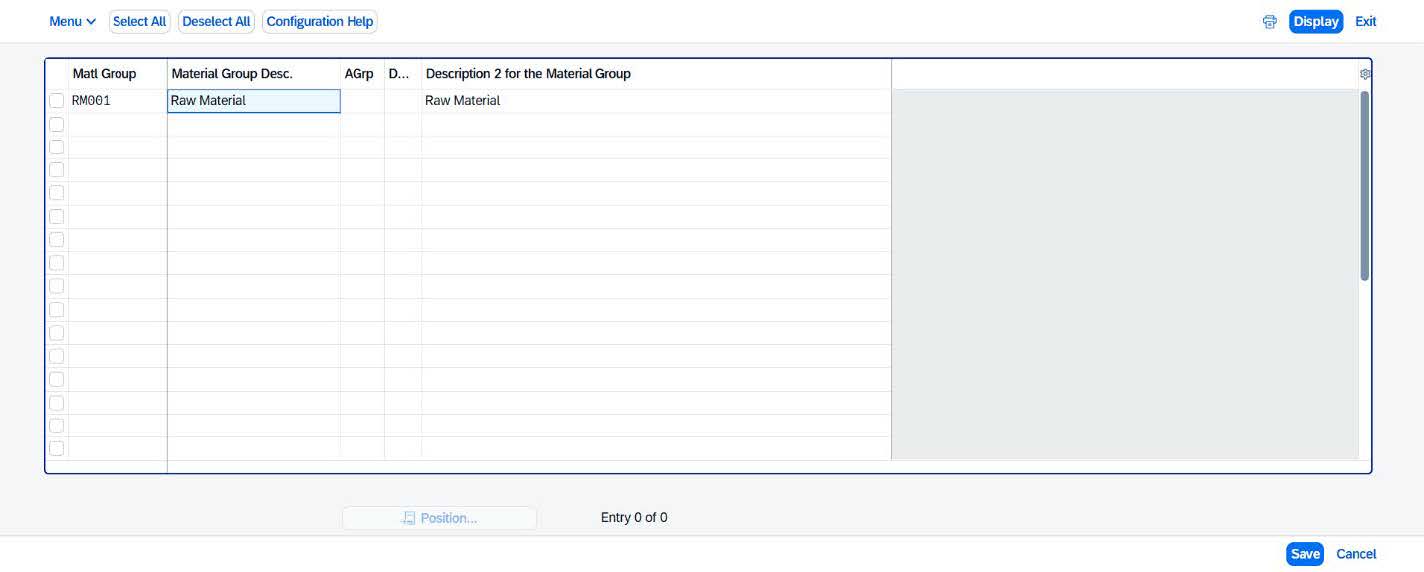
- Click Save. The system will prompt you to assign the changes to a transport request.
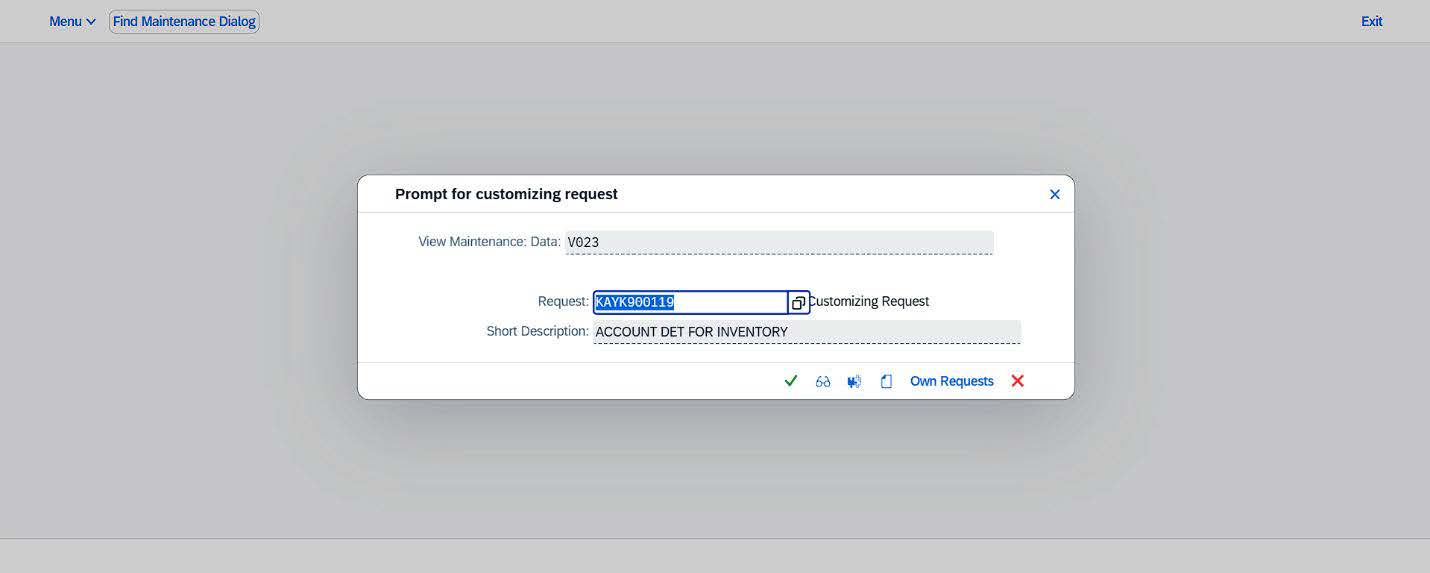
Select New Request and enter a description for the transport request (e.g., New Material Group – RM001). Save the request to complete the configuration.